Try
Explore a new look in a temporary Firefox profile before installing it in your everyday browser.
Try a theme fxcss.
fxcss is a command-line toolkit for Firefox themes. Preview a new look safely, edit your own theme live, and catch changes as Firefox evolves.
Open source · macOS, Windows & Linux · Python + Firefox
From your first theme to your next release.
Explore a new look in a temporary Firefox profile before installing it in your everyday browser.
Try a themeCreate your own theme. Find the right selectors and see your CSS changes in Firefox as you save.
Build a themeKeep your theme working across Firefox releases with screenshot comparisons and compatibility checks.
Maintain a theme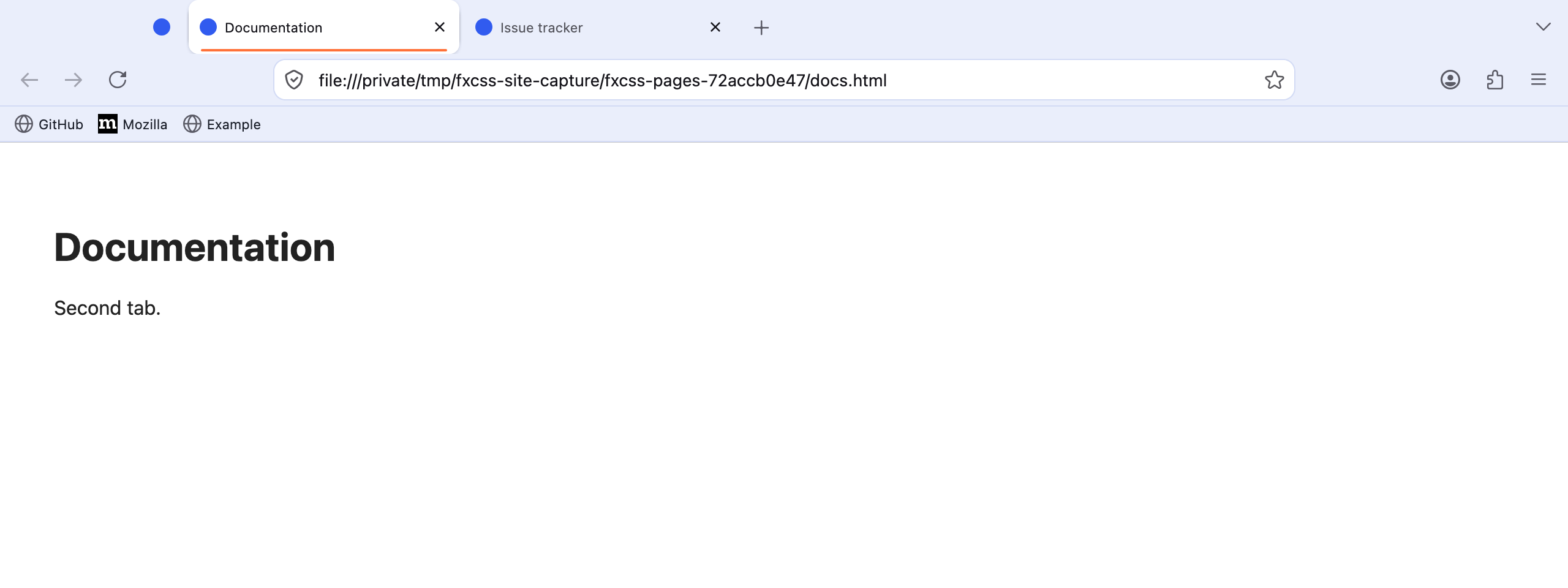
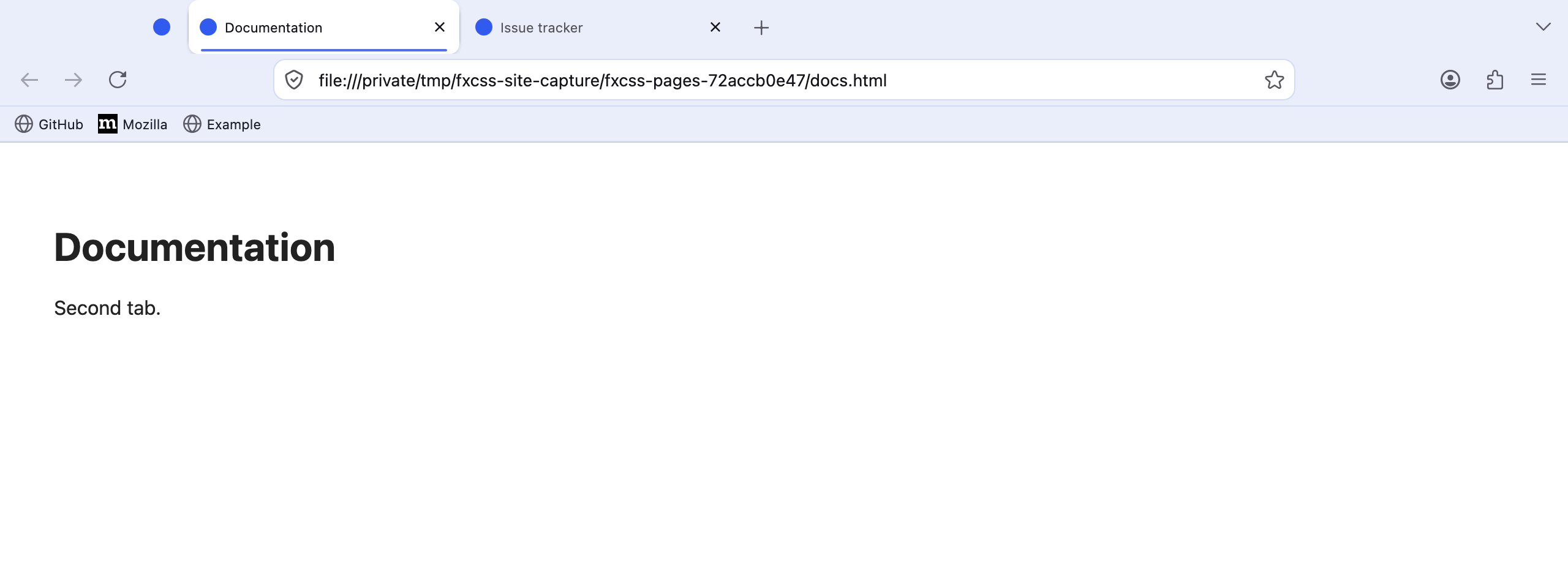
One CSS value changed the active tab. fxcss shows exactly where.
How comparison worksRun guided setup on macOS or Linux. Choose what you want to do, then get the tools and next steps.
curl -fsSL https://fxcss.com/install.sh | bashAlready have pipx? pipx install "fxcss[images]"